Blender overnight renders: check frames that catch mistakes first
A mallet 14 cm from the xylophone, a dad hovering above a blanket. How check frames catch mistakes in 3D films before they eat a night of rendering.
 Przemysław Filipiakcreator of delta240mvt
On Saturday, in one episode of Few Summers, the daughter sits under a blanket in the evening and plays the xylophone. A nice scene, warm light, everything works. Except for one thing: the mallet hits the floor. The xylophone is lying next to it, 14 centimeters away.
You can see a mistake like that in a single frame, at the moment of the hit. If you only see it in the finished film, you lose the night the computer spent working out the whole thing. So I look earlier. And that’s what this post is about: the few frames I look at before every big render, and the list of rules that grew out of it.
What one mistake costs in 3D
Some context, so it’s clear what numbers I mean. I make two series of short 3D films: Few Summers, about a dad and his daughter, and Focus Equals Freedom, with a monk who talks about focus. Everything is put together from code: the characters, the poses, the cameras, the light. Just like the 3D shapes I build with Blender and Python for the website. Then Blender works out the frames, then comes the edit, the voice, the captions, the cover.
A Few Summers reel takes about 2 hours to generate from start to finish. The one with the monk took longer, so this week I set a hard limit: a monk reel is 30 seconds at most. Why? Because render time is my budget. Anything that doesn’t fit into a night blocks the next reel.
So I’m not talking off the top of my head, I took the numbers from the render logs. I’m counting Blender alone, without voice and editing:
| Episode | Frames | Render time | Slowest shot |
|---|---|---|---|
| 54, the one with the xylophone | 484 | 9 h 27 min | 154 s per frame |
| 61 | 347 | 4 h 13 min | 78 s per frame |
| 63, the newest | 350 | 2 h 29 min | 36 s per frame |
Check frames are 3 images per shot: the start, the middle and the end. The first shot of episode 61 has 80 frames at 40 seconds each, so almost an hour of rendering. Its three check frames take about 2 minutes.
Now do the maths. I start the render in the evening, watch the film in the morning and see the dad walking through a door like a ghost. I fix one number in the code and… wait a few hours again. One silly mistake is one lost day. With six reels in the queue, that turns into a week.
And mistakes in 3D are silly. It’s not that something is ugly. It’s that something is physically impossible and you see it straight away.
What do check frames catch before a Blender render?
Mistakes you can see in a single image: a hand that doesn’t touch the door, a character floating above a blanket, a knee in the floor, a half-open eye on the cut.
A check frame is a single image from a key moment of a shot, rendered before the whole thing. A hand touching an object. A character sitting down. A door in motion. The last frame before the cut. A handful of pictures instead of a few hundred.
From this week, straight from the commits:
- the mom stopped 17 cm in front of the door, so her knock never touched the wood,
- the door opened inwards and sliced through the dad, who was standing too close,
- the dad sat on the blanket some 0.4 m above it, with his feet in the air,
- the older daughter sat 14 cm inside the log by the campfire,
- the dad’s knee went 6 cm into the floor when he knelt down,
- the last shot ended on half-open eyes, because the blink didn’t finish before the cut.
You can see each of these in one picture. You can see none of them in the code. In the code there is “sit on the blanket”, a seat height and a pose. It all looks sensible until you see it from the side.
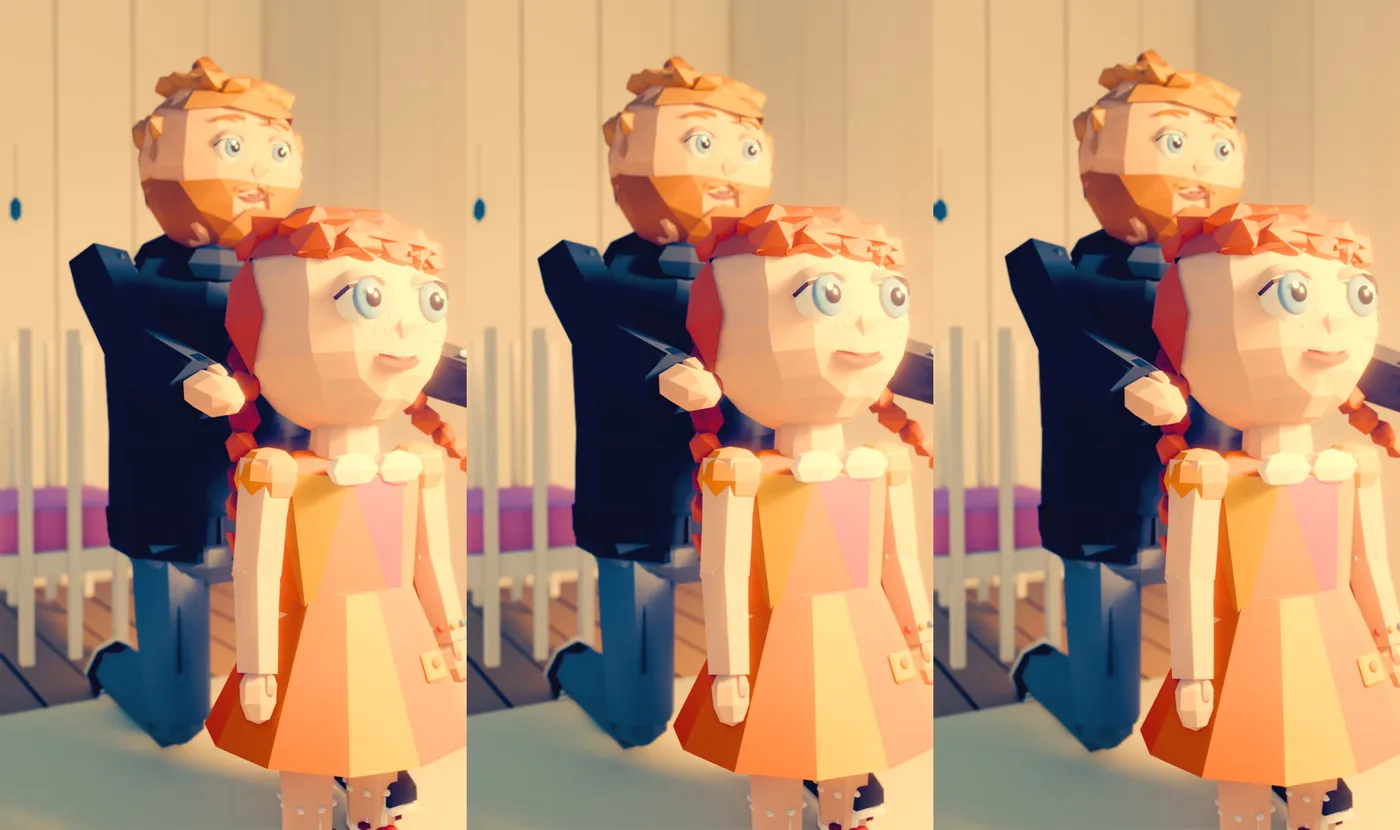
Until you see the frame, all you have is a description of what you wanted. Not what came out.
That’s why I have one rule at the start of every shot: picture first, render second. I said it plainly in a conversation with Claude, which puts these scenes together for me: polish the elements of the world, check frames before the final render, alternate the renders. So one reel is rendering, and in the meantime the other one goes through its check frames.
Which frames should you look at before a render?
The ones from four places where mistakes sit: contact, a change of pose, the camera and the end of the shot.
I don’t look at random frames. A random frame is usually the middle of a shot, where nothing is happening and everything looks fine. Mistakes sit in a few specific places, and that’s where I aim.
The first place is contact. A hand touches a door, a mallet touches the xylophone, a bottom touches the blanket. Wherever two things are supposed to meet, I measure whether they met. Not “looks ok to the eye”, but how many centimeters are missing.
The second is a change of pose. Sitting down, kneeling, getting up, hugging. The body moves from one position to another and halfway through it can pass through a chair or through the other person.
The third is the camera. Sometimes the camera is standing inside a wall, because a ready-made setup doesn’t know the room is small. Sometimes the camera setup hides one of two faces, and the scene is about the two of them looking at each other. Then instead of one shot of two people I make two separate ones.
The fourth is the end of a shot. The last frame before the cut stays in the viewer’s eye the longest. If it has a half-open eye or a hand in mid-motion, the whole film looks unfinished.
Then there is the cover. It’s a check frame too, only checked from a different angle: does the text run over a face, and does it fit the 3:4 crop on the profile grid. The rules for the covers themselves, no blink and the quote on a dark background, I described with the reel hooks.
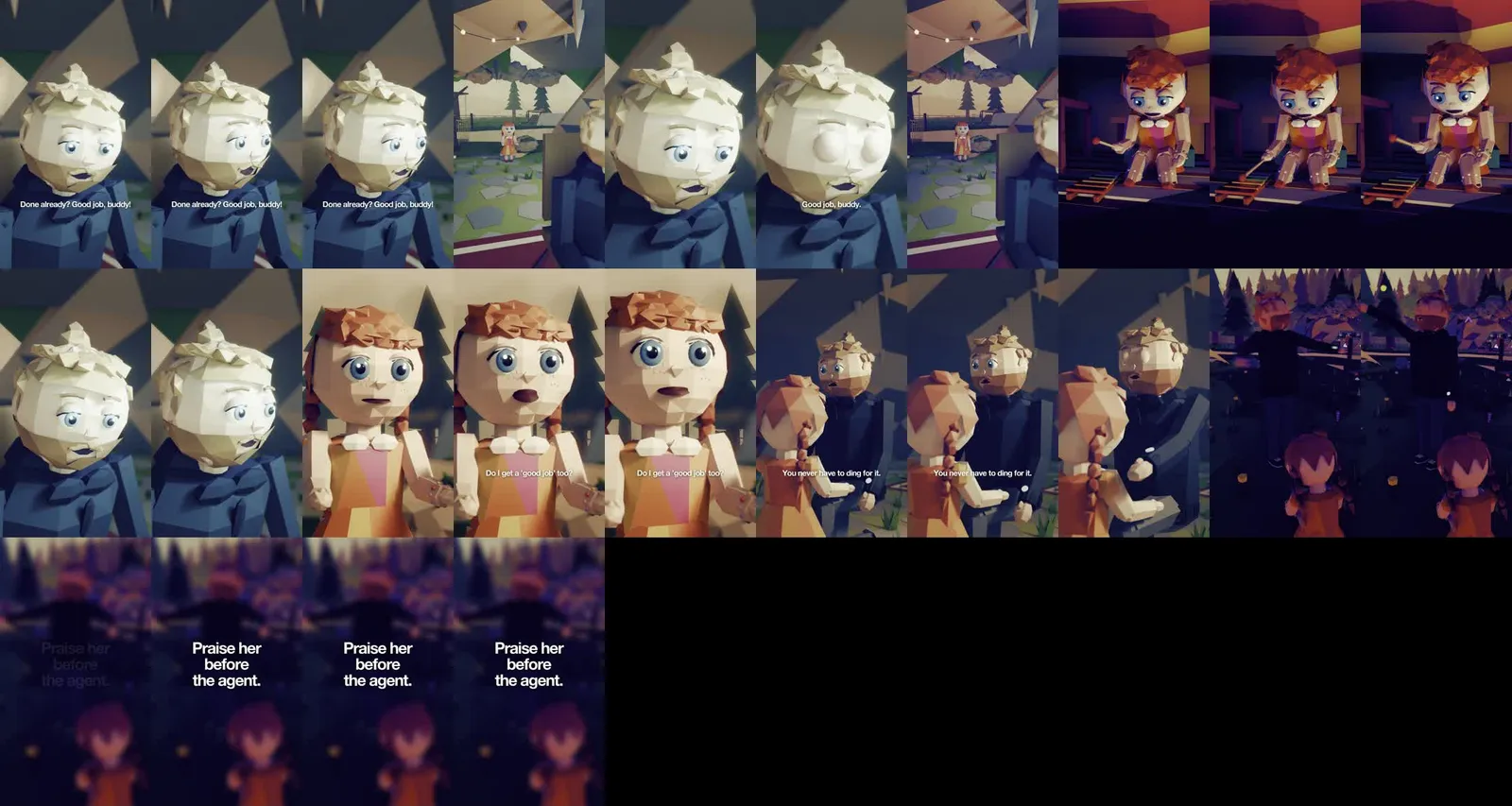
A mistake that got through becomes a rule
Looking at frames is not enough on its own. The eye gets tired, and by the thirtieth shot you stop seeing. So every mistake that got past the check, I write down as a numbered rule. That list already has 19 points.
A few examples of how it grows. Point 15 is the flicker check: once the film is assembled, a script works out whether the picture trembles and whether the warmth of the light jumps between frames. It also makes a heat map of every shot. Point 16 is about sitting: before a character sits down, I measure the height of the seat instead of guessing. It came about after the daughter sank into the log. Point 19 is the path check: after the check frames, a script goes through all the frames and watches whether feet go into the floor, whether anyone walks through furniture and whether the character is really standing at the end.
Notice what’s going on. First I catch the mistake by eye. Then I write down a rule. Then, if it’s possible, the rule turns into a measurement done by a script. The eye is for new things. The script is for the ones that have already happened once. It’s a plain human in the loop: the automation guards what is known, and I look at what is new.
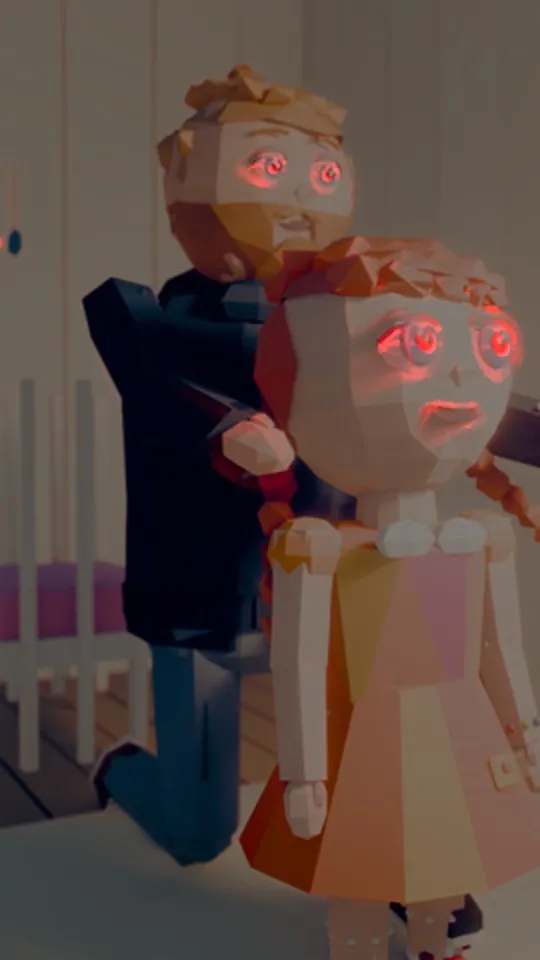
The second important thing: rules have a date and a reason. “Covers should be unusual” is not enough. “A plain waist-up shot of the monk at most once in 6 covers, the strangest image from the film goes first, compare with the last 6” is a rule you can check. I added it because the profile grid was starting to get boring. Three sitting monks in a row.
I check a fix the way I found the mistake
This is the point that was hardest to name. The scenario is always the same. A hand in some pose looks bad from the side. A fix. A frame from the front, it looks great, you accept it. And in the film that pose is shown from the side and it’s still wrong.
Now there is a rule: verify a fix the same way you found the mistake. If the mistake showed up in a wide shot, you look at the fix in a wide shot. If it showed up on the last frame, you check the last frame. Sounds obvious. And yet the natural reflex is to look where it’s convenient.
One more thing goes with this: the right hand is not a mirror image of the left. A gesture that works with the left can go straight through the head with the right. So I check poses per shot, not once for the whole library. Some poses I threw out of the automatic gestures altogether. The hand by the chin looked odd and that’s that, nothing to discuss.
Where check frames are not enough
Just so this doesn’t sound like a cure for everything. Frames show one moment. They don’t show movement. A blink that lands halfway on a cut only shows up in the film. So does flickering light. That’s why I have two levels: check frames before the render and an automatic check once the film is assembled, before anything reaches me.
The second limit is disk space and the time the checking itself takes. With the reels featuring my avatar, that is the dad from Few Summers in yellow glasses, with a microphone on a white sweatshirt and my voice, the final 4K render weighed about 600 MB per reel. The phone version in 1080p, HEVC 10-bit, weighs about 28 MB. You can’t see the difference by eye, and the quality measurement (VMAF) showed 97.8 out of 100. So once it’s accepted, the 4K master disappears. One night with a cache that filled up the disk taught me that the check also has to clean up after itself.
And the third: frames won’t tell you whether the story is good. The monk got an upgrade this week, because Few Summers simply gets more clicks. More varied scenes, stories told in scenes and not in a monologue. No measurement will catch that. Even the model that predicts my reel views rates the form, not the topic. It’s a decision.
What I take from this
This rule works far beyond 3D. Every expensive process has its cheap preview. An overnight render, sending a newsletter to the whole list, a database migration, printing 500 flyers. Before each of them you can make a few samples in the places where things break most often: one person from the list, one table, one page of the print. Minutes instead of a night.
The rule for the future is simple. Before you start something you’ll wait hours for, pick the 3–5 moments where it falls apart most often and look at those first. And every mistake that gets through anyway, write down as a point on the list, with the reason. A month from now that list will know more about your project than you do.
I still look at frames before every render. Only now they’re the frames that say “ok, go”, not the ones that say “oh, not again”.
I work with people 1:1 under the delta240mvt brand. On your project, from the first step.
See the offer ↗